> ## Documentation Index
> Fetch the complete documentation index at: https://docs.monterey.ai/llms.txt
> Use this file to discover all available pages before exploring further.
# Contacts
> Manage customer contacts in one place
 ## Usage
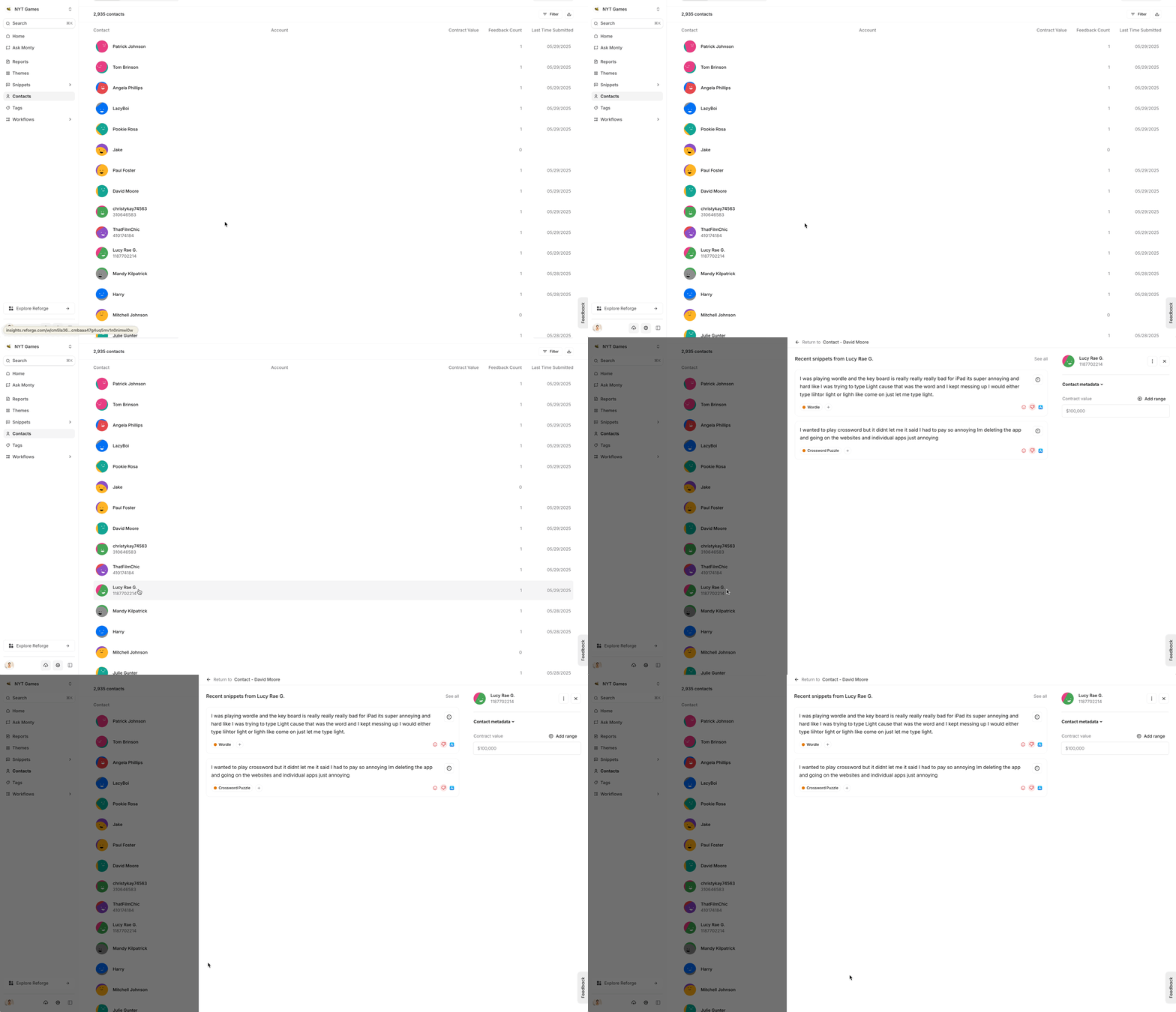
Reforge Insights will group all users who provided feedback together on the "Customers" page. You can find the user's name, email, user ID, and all of their feedback in one place. To locate a specific customer, you can use the search filter by name.
## Cohorts
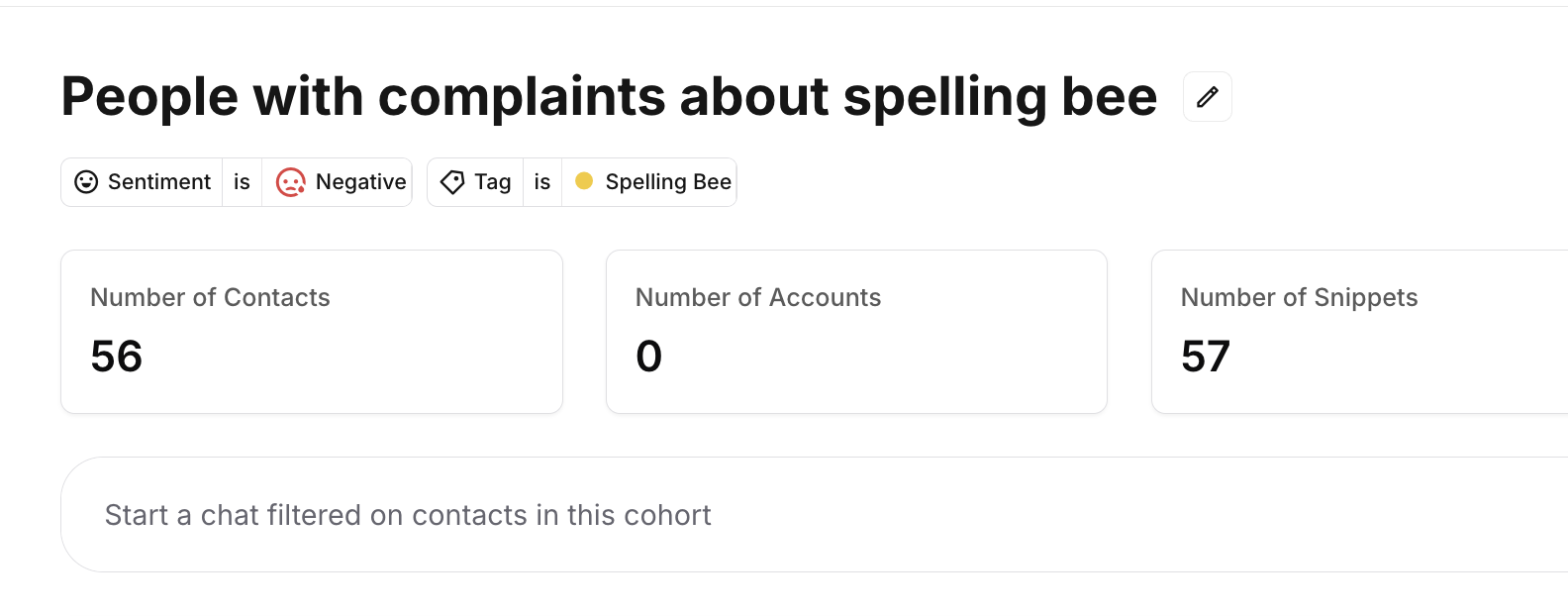
You can create customized customer [cohorts](https://insights.reforge.com/w/default/feedback/contacts) and assign attributes to them in order to better organize your customers. Analyze feedback by cohorts, or send surveys to a targeted audience.
## Usage
Reforge Insights will group all users who provided feedback together on the "Customers" page. You can find the user's name, email, user ID, and all of their feedback in one place. To locate a specific customer, you can use the search filter by name.
## Cohorts
You can create customized customer [cohorts](https://insights.reforge.com/w/default/feedback/contacts) and assign attributes to them in order to better organize your customers. Analyze feedback by cohorts, or send surveys to a targeted audience.